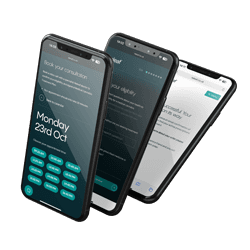


With Releaf+, you don't have to worry about being locked into your subscription, you can cancel anytime. To cancel your subscription, log in to your Releaf account. Once logged in, click the “Subscriptions” tab. This tab is on the left-hand side of the screen, below the “Home” tab and above the “Online Shop” tab. Then click the “Cancel Service Subscription” button, which you will find at the bottom right-hand corner of the page.
Did this answer your question?